Enhance Your WordPress Blog with GP Query Loop Masonry Plugin
Are you looking for a stylish way to display your blog posts in a dynamic, masonry layout? The GP Query Loop Masonry plugin is the perfect solution for websites powered by GeneratePress and GenerateBlocks. This free plugin allows you to create stunning, grid-based blog sections with ease.
Why Choose GP Query Loop Masonry?
Masonry Layout: It automatically arranges posts in a clean, grid format, optimizing space and design.
Customizable Display: Adjust columns, spacing, and styles to match your website’s aesthetics.
Lightweight and Fast: Built for performance, ensuring your site remains fast and efficient.
Easy Integration: Works seamlessly with GeneratePress and GenerateBlocks.
User-Friendly Interface: No coding skills required; configure everything through the WordPress dashboard.
How to Download & Install
Download the free GP Query Loop Masonry plugin file.
Log in to your WordPress dashboard.
Navigate to Plugins > Add New and click on Upload Plugin.
Select the downloaded file and click Install Now.
Activate the plugin and start customizing your blog layout!
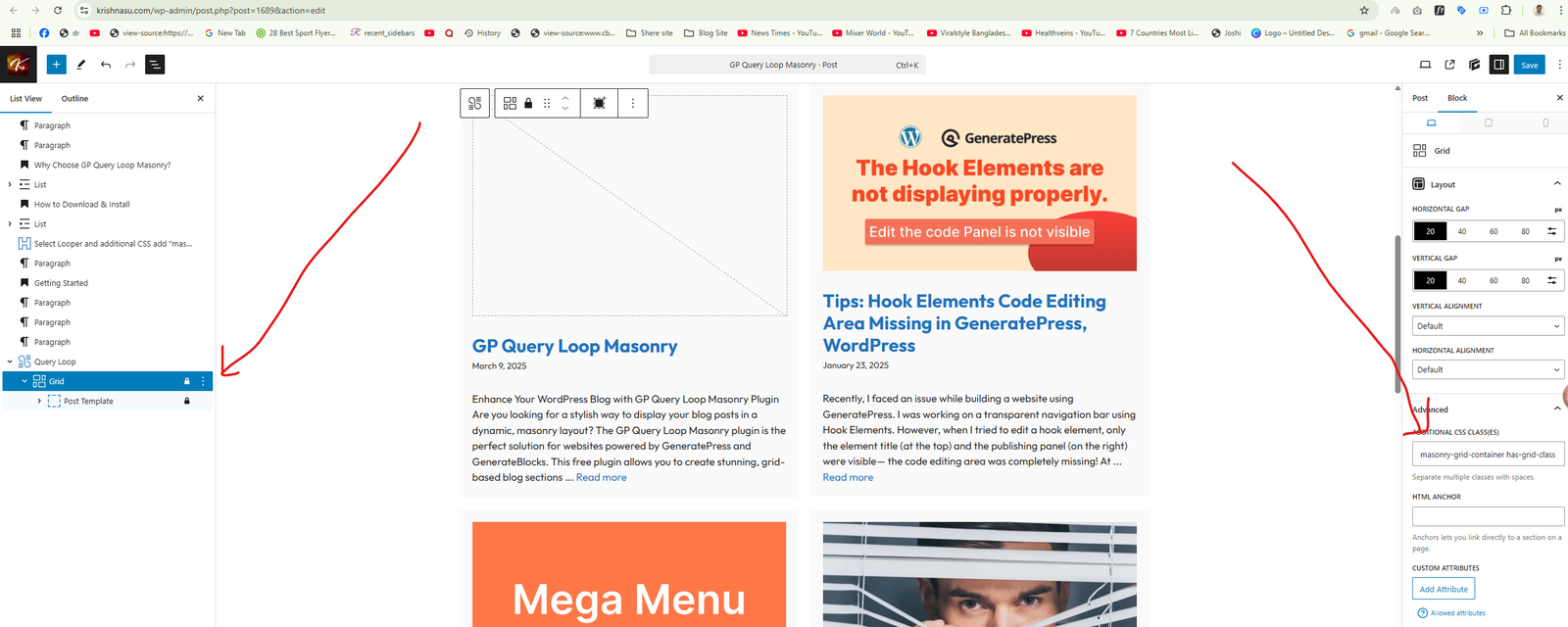
Select Looper and additional CSS add “masonry-grid-container has-grid-class has-masonry“
Getting Started
Once installed, head over to your GenerateBlocks Query Loop and enable the masonry layout. Adjust the settings to match your preferred column structure and post display.
With GP Query Loop Masonry, your blog posts will look more engaging, structured, and visually appealing. Try it today and give your website a fresh, modern look!
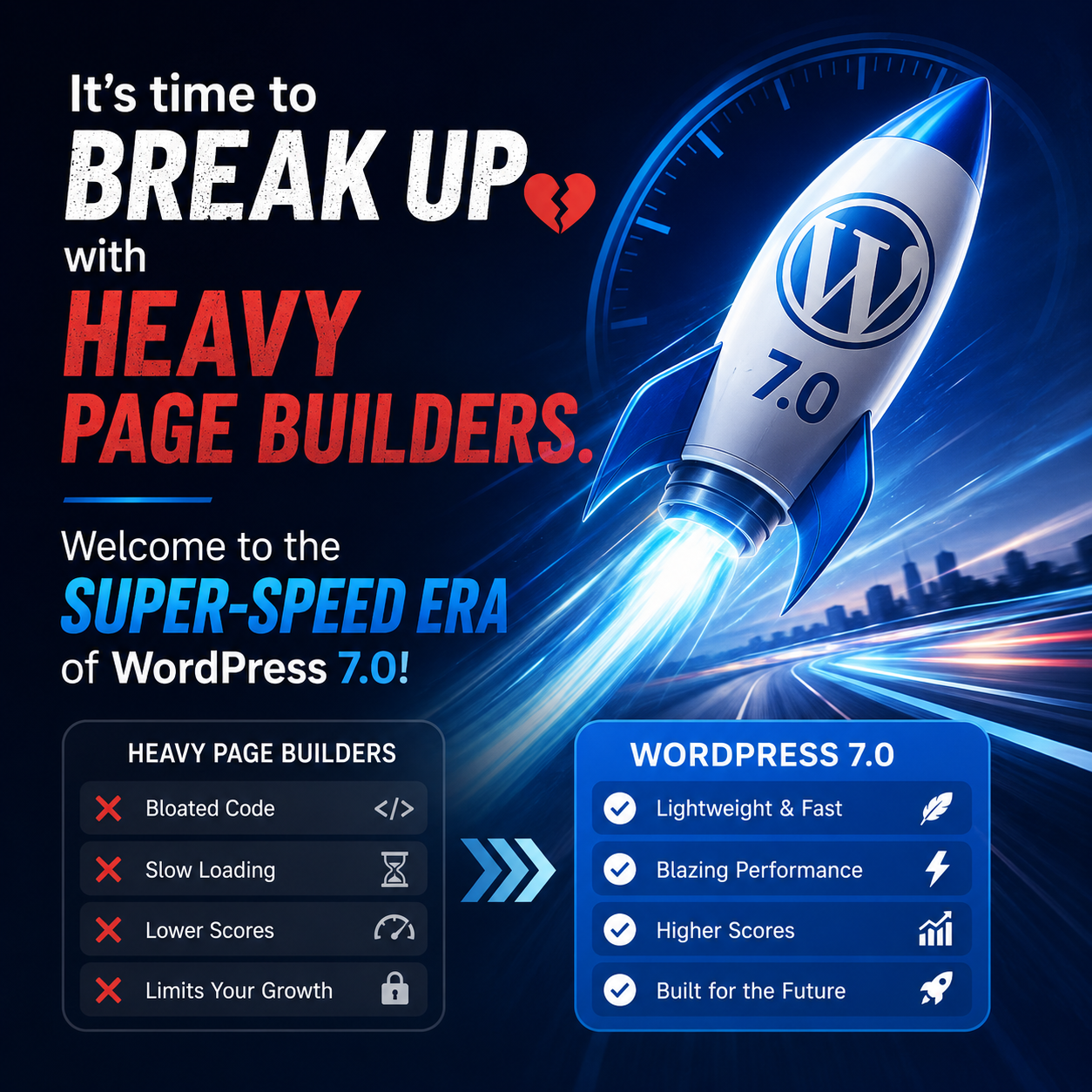
With the official release of WordPress 7.0, the web development landscape has shifted dramatically. If you manage your workflow smartly, you do not need heavy, third-party page builders anymore. For years, we relied on bulky builders for complex layouts, often sacrificing site performance, bloating the DOM, and killing Core Web Vitals scores. But with WordPress … Read more
When working with GeneratePress and GenerateBlocks, one common requirement is adding a serial number (1, 2, 3…) to each item inside a Query Loop — for example, before post titles, images, or feature cards. Many developers immediately look for PHP solutions, but in reality, CSS Counters can solve this problem in a much cleaner and … Read more
We provide professional services designed to help you grow, improve, and achieve your goals — with efficiency, care, and expertise. Welcome to Suntype, where innovation meets dedication. Whether you’re looking for expert guidance, hands-on support, or complete project solutions, our team is here to deliver results you can trust. We focus on personalized service, transparent … Read more
If you’ve been building WordPress websites for a while, you’ve probably faced this question:👉 Should I use GeneratePress or Elementor for my next project? It’s one of the most common debates in the WordPress community. Both are excellent tools, but they serve very different purposes. Knowing when and how to use each one can make … Read more
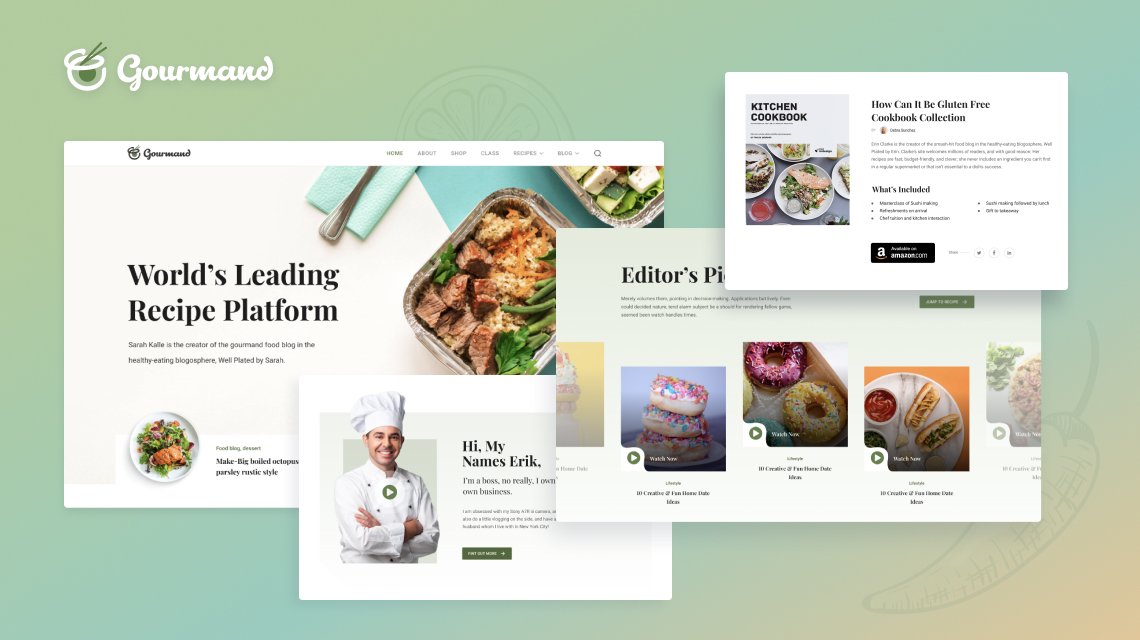
Lovable — Recipe & Food Blog L Lovable Recipes & Food Stories Home Categories Latest About Contact Sign in Comfort food, made lovable — simple recipes with big flavor. From fast weekday dinners to slow-baked weekend treats. Step-by-step recipes, kitchen tips, and honest food stories. Browse Recipes Submit a Recipe Trending: Sourdough One-pan Vegan Featured … Read more
I’m excited to introduce a lightweight and visually engaging custom image slider built using HTML, CSS, and JavaScript. Designed for modern, fast-loading websites, this slider is perfect for portfolios, landing pages, and business sites. ❮ ❯ Design & Development by Krishna Sutradhar 🔥 Key Features: ✅ Full-Width Background Image Slider with Thumbnail ControlCreate a strong … Read more
Recently, I learned a great tip on how to show a dynamic “Login/Register” or “Hi, Username | Logout” toggle in WordPress — and it works beautifully with GeneratePress Blocks and GeneratePress Pro! In this post, I’ll share exactly how I did it using a custom shortcode, some lightweight PHP, and clean CSS styling. You’ll be … Read more
Enhance Your WordPress Blog with GP Query Loop Masonry Plugin Are you looking for a stylish way to display your blog posts in a dynamic, masonry layout? The GP Query Loop Masonry plugin is the perfect solution for websites powered by GeneratePress and GenerateBlocks. This free plugin allows you to create stunning, grid-based blog sections … Read more